A USB-C external hard drive is a simple way to add lots of storage to your laptop or PC—ideal for backups, photo libraries, and keeping large files off your main drive. But not every “USB-C drive” is the same, and many people buy the wrong type for their needs.
This guide explains what a USB-C external hard drive is, when it beats an SSD, what to look for before buying, and a few reliable options to consider.
What Is a USB-C External Hard Drive?
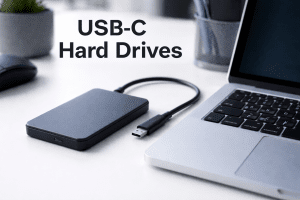
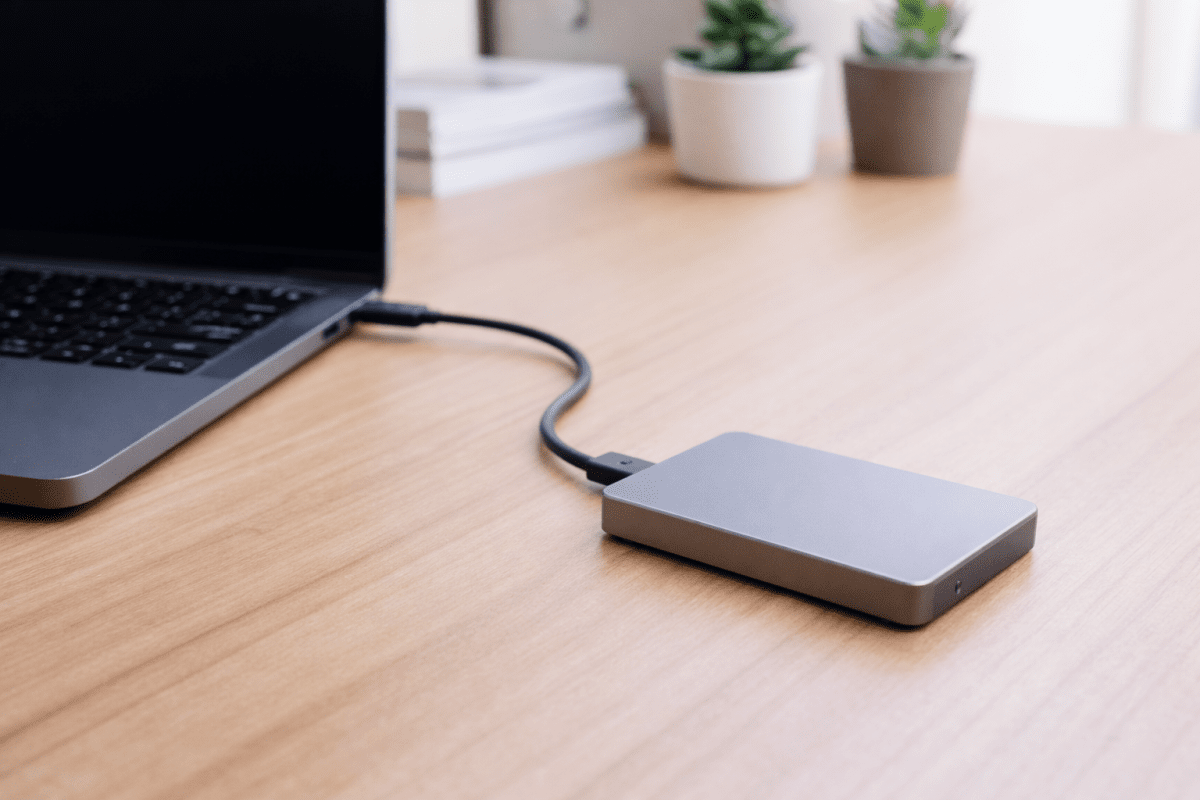
A USB-C external hard drive is an external storage drive (usually an HDD) that connects using a USB-C cable and works as plug-and-play storage. You can use it for:
- Backups (work files, photos, videos)
- Extra storage for laptops with small internal drives
- Moving large folders between devices
- Archiving projects you don’t need every day
If you’re building a storage-focused setup, browse: USB-C storage and external hard drives with USB-C.
USB-C External Hard Drive vs USB-C SSD
Both are “external storage,” but they’re designed for different priorities.
Choose a USB-C external hard drive (HDD) if you want:
- More storage for less money (great value per TB)
- Backups and long-term storage
- Large capacity (often 2TB–5TB+) without big cost jumps
Choose a USB-C SSD if you want:
- Faster transfers and better performance with large projects
- More durability (no moving parts)
- Smaller, lighter storage for travel
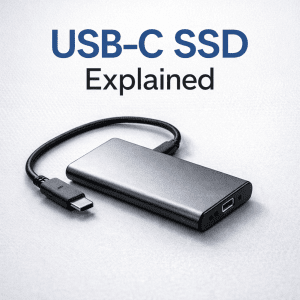
If you’re comparing the two, start here: USB-C SSD Explained and this roundup: Best USB-C External SSDs & Hard Drives.
What to Look for Before You Buy
Capacity
A good rule of thumb:
- 1TB: light backups and everyday storage
- 2TB: a strong “sweet spot” for most people
- 4TB–5TB: large media libraries and heavier backups
Speed and real-world expectations
Even with USB-C, many external hard drives are limited by the HDD inside. USB-C is still worth it (simple compatibility and modern ports), but don’t expect HDD transfers to feel like SSD speeds.
Portable vs desktop drives
- Portable drives are smaller and typically powered by USB (great for travel).
- Desktop drives often need external power but can offer very high capacities.
Cable and port compatibility
Most issues come from cables and ports. Use a quality cable and make sure your device supports stable USB-C connections. Browse: USB-C cables if you need replacements.
Best USB-C External Hard Drive Picks
Here are a few USB-C external hard drive options already listed on USB-C Hubs.com:
- Seagate 1TB USB-C External Hard Drive – a compact option for everyday backups.
- WD 5TB My Passport Ultra Portable Hard Drive – ideal if you want big capacity without jumping to a desktop unit.
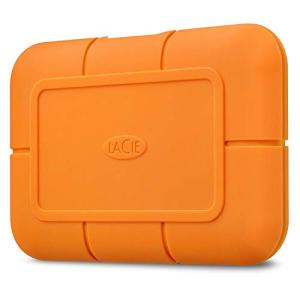
- LaCie Rugged 2TB Portable External Hard Drive – built for travel and tougher handling.
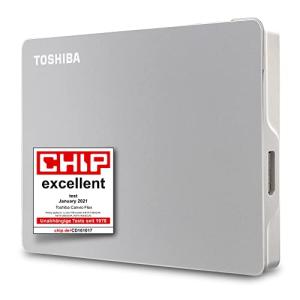
- Toshiba 2TB Canvio Flex Portable Hard Drive – a practical mid-capacity choice.
- G-Technology 4TB USB-C Portable Hard Drive – useful if you want more space for media libraries.
Common Mistakes to Avoid
- Buying on “USB-C” alone: some drives include adapters/cables but don’t deliver the experience you expect.
- Overpaying for speed you won’t get: HDD performance is limited by the drive mechanics.
- Ignoring portability needs: desktop drives add capacity but reduce convenience.
- Using poor cables: unstable connections can cause dropouts during transfers.
FAQs
What is a USB-C external hard drive?
A USB-C external hard drive is an external HDD that connects via USB-C, providing plug-and-play storage for backups, archiving, and extra space.
Is a USB-C external hard drive faster than a normal external drive?
USB-C can offer better compatibility and potentially higher transfer capability, but the HDD inside is often the limiting factor. For speed, a USB-C SSD is usually the bigger upgrade.
Should I buy an SSD instead of a hard drive?
If you want the fastest transfers and a more durable travel-friendly drive, yes. If you want lots of storage for backups at the best value per TB, a hard drive is often the better choice.
Conclusion
A USB-C external hard drive is a smart buy if you want affordable, high-capacity storage for backups and everyday files. Choose capacity based on your needs, don’t overpay for “speed” claims, and use a solid USB-C cable for stable transfers.
Next, compare your options here: External Hard Drives with USB-C and see the best mixed picks here: Best USB-C External SSDs & Hard Drives.