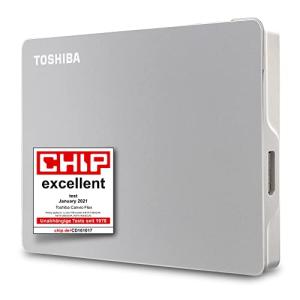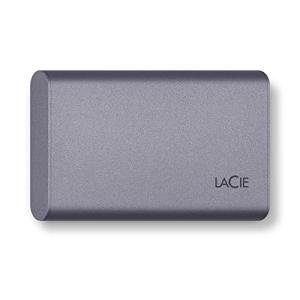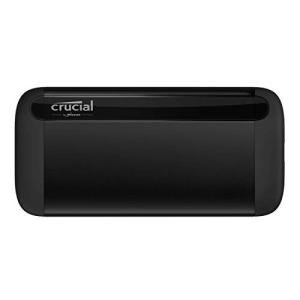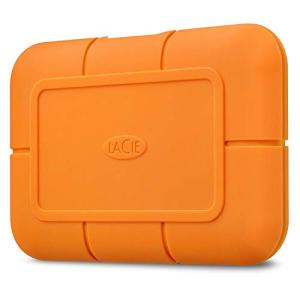
If you want fast external storage that’s easy to carry, a USB-C SSD is one of the simplest upgrades you can make. It’s compact, quick for file transfers, and ideal for modern laptops and tablets that rely on USB-C for everything.
In this guide, we’ll explain what a USB-C SSD is, when it makes sense over an external hard drive, and what to look for before you buy.
What Is a USB-C SSD?
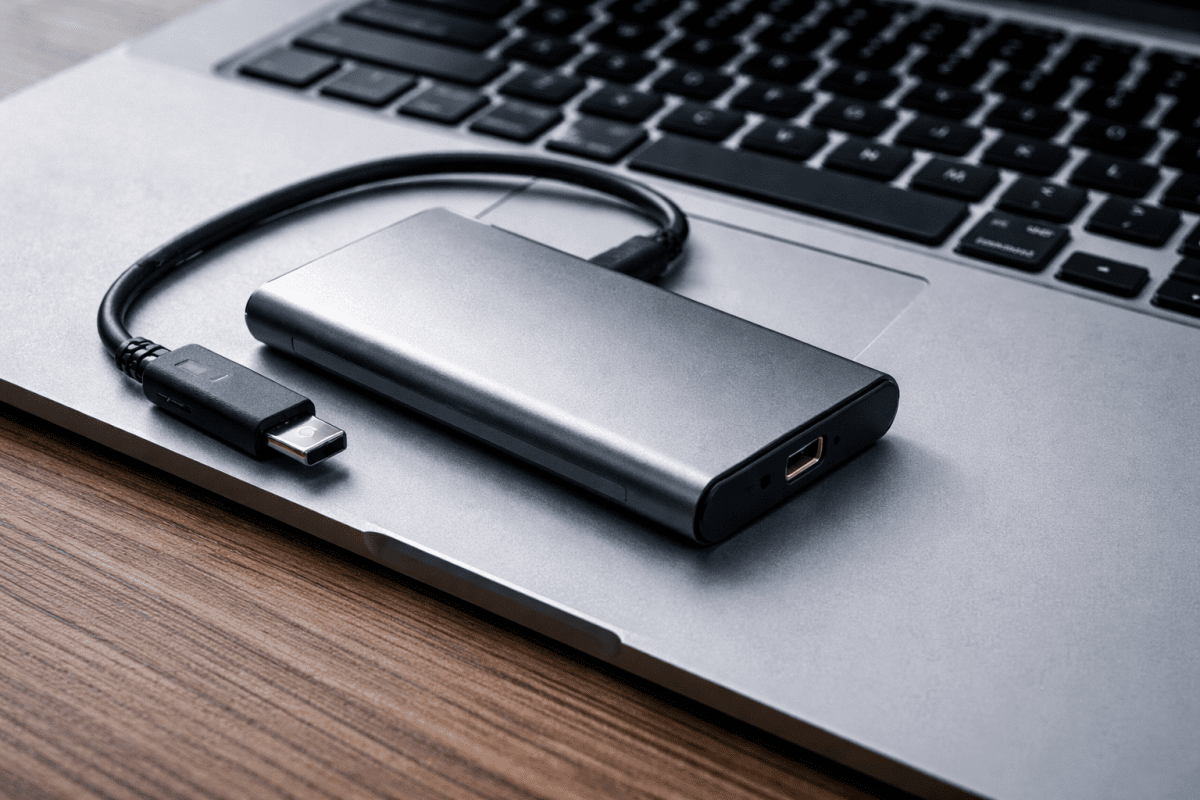
A USB-C SSD is a portable solid state drive (SSD) that connects to your device using a USB-C cable or USB-C port. SSDs use flash memory (no moving parts), which is why they’re typically faster and more durable than traditional external hard drives.
Some SSDs are “USB-C” because they ship with a USB-C cable, while others have a USB-C port on the drive itself. Either way, the goal is the same: fast, convenient external storage using modern USB-C connectivity.
How a USB-C SSD Works
When you plug a USB-C SSD into your laptop, tablet, or compatible device, it appears as external storage. You can then copy files, run backups, move photo/video libraries, or store work projects.
Performance depends on a few factors:
- Your device’s USB-C port (different ports support different speeds)
- The SSD’s supported USB standard (some drives are faster than others)
- The cable (a low-quality cable can limit speed)
If you’re unsure about cables and compatibility, start with our cable guide here: Ultimate Guide to USB-C Cables.
USB-C SSD vs External Hard Drive
Both options expand your storage, but they’re built for different priorities.
Choose a USB-C SSD if you want:
- Faster file transfers
- Better performance for large projects
- More durability for travel (no moving parts)
- Quieter operation
Choose an external hard drive if you want:
- Lower cost per terabyte
- Lots of storage mainly for backups
- Simple long-term file storage
If you’re comparing storage types, you may also find this helpful: USB-C Hard Drives Explained and our roundup here: Best USB-C External SSDs & Hard Drives.
Key Benefits of USB-C SSDs
- Speed: Great for moving large files like photos, videos, and project folders.
- Portability: Small and lightweight, easy to carry daily.
- Durability: More shock-resistant than hard drives because there are no spinning parts.
- Simple setup: Plug in and use (most devices recognise them instantly).
What to Look for When Buying a USB-C SSD
Not all USB-C SSDs are the same. Use this checklist to avoid buying the wrong drive for your setup.
1) Compatibility with your device
Check whether your laptop/tablet supports the speed you want through its USB-C port. Some ports provide basic USB speeds, while others support faster standards.
2) Cable quality and type
Many performance issues come down to cables. A USB-C SSD is only as fast as the cable and port allow. If you want a safe baseline, learn the differences here: USB-C cable guide.
3) Capacity
Choose based on what you store:
- 500GB–1TB: everyday documents, photos, general storage
- 2TB+: bigger media libraries, video projects, large backups
4) Build quality
If you travel with your SSD, look for a tough casing and a reliable connector. A loose port can cause disconnects and corrupted transfers.
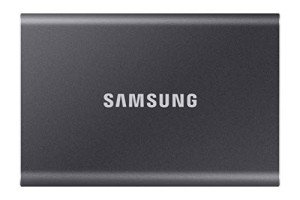
Samsung 4TB T7 SSD Portable Drive - Titan Gray
Store your data safely and access it quickly with this sleek portable SSD
Product information
$395.31 $320.58
Product Review Score
4.6 out of 5 stars
7 reviewsProduct links
5) How you plan to use it
For desk setups, you may want extra ports and charging at the same time. In that case, pairing storage with a hub can be useful: Browse USB-C hubs.
Common Use Cases for USB-C SSDs
- Backups: quick backups for important files
- Photo and video storage: store libraries without filling internal storage
- Work projects: carry documents and project folders between devices
- Travel setup: portable storage for laptops with limited internal capacity
If you’re building a flexible setup, you may also want to explore: USB-C adapters and all USB-C products.
Frequently Asked Questions About USB-C SSDs
What is a USB-C SSD?
A USB-C SSD is a portable solid state drive that connects using USB-C for fast, convenient external storage on modern devices.
Is a USB-C SSD faster than an external hard drive?
In most everyday use cases, yes. SSDs are typically faster for file transfers and feel more responsive because they use flash storage instead of spinning disks.
Do I need a special USB-C cable for an SSD?
You need a cable that supports the speed your SSD and device can deliver. A basic cable may work, but it can limit performance. See: Ultimate Guide to USB-C Cables.
Can I use a USB-C SSD with a USB-C hub?
Yes, many people do. Just make sure the hub supports data transfer properly and isn’t limited by older USB speeds. Explore options here: USB-C hubs.
Final Thoughts
A USB-C SSD is one of the best upgrades for faster external storage, especially if you move large files, work across multiple devices, or want a more durable travel-friendly drive.
If you want to compare top options and understand what to buy, start here: Best USB-C External SSDs & Hard Drives.
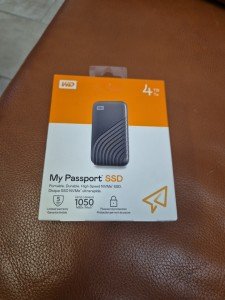
4TB Portable SSD with USB-C, 1050MB/s Speed
Store all your files on the go with lightning-fast speeds and plenty of space to spare
Product information
$437.61
Product Review Score
4.74 out of 5 stars
163 reviews