Upgrade Your Connection with Faster, More Reliable Internet
A USB-C hub with Ethernet is one of the most useful upgrades for modern laptops and tablets, especially if you rely on a stable internet connection for work, gaming, or streaming.
While Wi-Fi is convenient, it can be slow or unreliable in busy environments. A USB-C hub with Ethernet gives you a wired internet connection while also expanding your device with extra ports like HDMI and USB.
What Is a USB-C Hub with Ethernet?
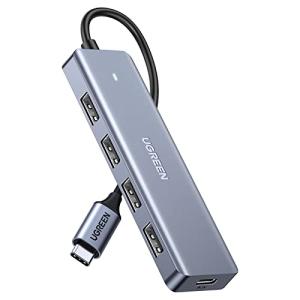
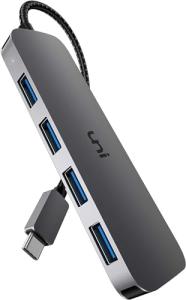
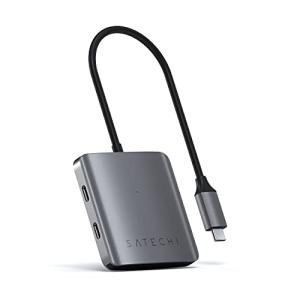
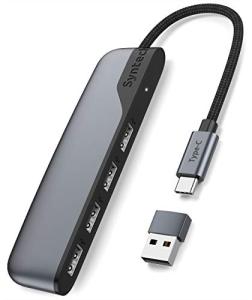
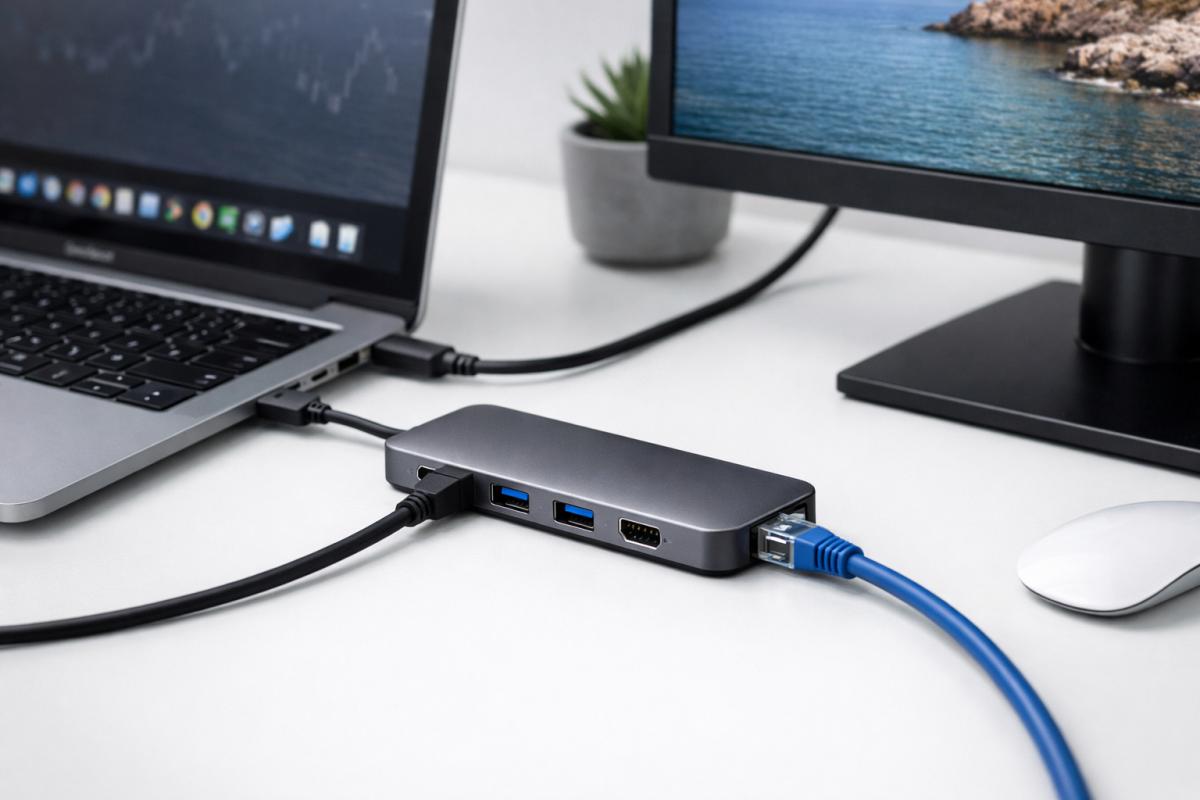
A USB-C hub with Ethernet is a multiport adapter that connects to your device’s USB-C port and adds a wired network connection via an Ethernet (RJ45) port.
Most hubs also include additional ports such as:
- HDMI for external monitors
- USB-A ports for accessories
- USB-C charging (Power Delivery)
- SD card readers
Explore available models here: USB-C Hubs with Ethernet Collection
Why Use Ethernet Instead of Wi-Fi?
A wired Ethernet connection offers several advantages over wireless networks:
- More stable connection with fewer dropouts
- Faster speeds for downloads and uploads
- Lower latency for gaming and video calls
- Better performance in crowded networks
This is why professionals and remote workers often prefer Ethernet over Wi-Fi.
How a USB-C Ethernet Hub Works
Inside the hub is a chipset that converts USB-C signals into Ethernet network data. When connected:
- Your device communicates through the USB-C port
- The hub translates this into a wired network connection
- Your device receives internet just like a built-in Ethernet port
Many hubs also allow simultaneous charging through USB-C Power Delivery.
Key Features to Look For
1. Gigabit Ethernet Support
Look for hubs with Gigabit Ethernet (1 Gbps) for fast and reliable speeds.
2. Power Delivery (PD Charging)
Allows you to charge your laptop while using the hub.
3. HDMI Output
Many Ethernet hubs also include HDMI for monitor setups. Learn more here: HDMI USB-C Hub Explained
4. Number of Ports
Choose between compact hubs or multiport setups depending on your needs.
Best Use Cases for USB-C Ethernet Hubs
- Remote work and video calls
- Online gaming with low latency
- Streaming high-quality content
- Large file transfers and backups
- Office setups with monitors and peripherals
Recommended USB-C Ethernet Hub Options
Here are some examples available on the site:
- Vonxite USB-C to Gigabit Ethernet Adapter – simple and reliable wired connection.
- Anker 7-in-1 USB-C Hub – combines Ethernet, HDMI, and multiple USB ports.
For a full comparison, read: Best USB-C Hubs with Ethernet and HDMI
Common Mistakes to Avoid
- Buying non-Gigabit adapters (slower speeds)
- Ignoring power delivery requirements
- Choosing too few ports for your setup
- Using low-quality cables that affect performance
FAQs
Do USB-C hubs with Ethernet work on all laptops?
Most modern laptops support them, but your device must support USB-C data transfer and power.
Is Ethernet really faster than Wi-Fi?
Yes — especially in busy environments, Ethernet offers more stable and consistent speeds.
Can I use Ethernet and HDMI at the same time?
Yes, most multiport hubs support simultaneous use of all ports.
Conclusion
A USB-C hub with Ethernet is a powerful upgrade for anyone needing faster, more reliable internet while expanding their device’s connectivity.
Browse the full range here: USB-C Hub with Ethernet Collection